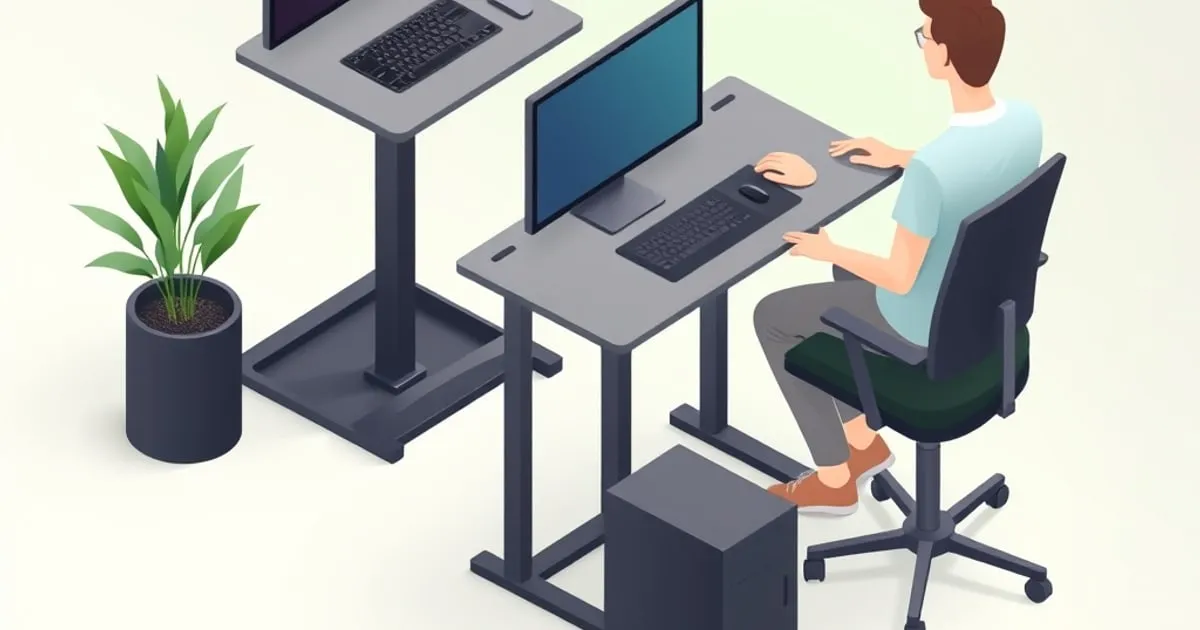
Sit-Stand Routine and Ergonomics: Getting the Standing Right
Owning a standing desk is not a posture plan. Here's how to set sit and stand heights to a neutral posture, build a sustainable sit-stand routine, and
A standing desk doesn’t fix posture by existing — it gives you the option to change positions, and the benefit comes from using that option well. Set the heights wrong and standing hurts a different part of you than sitting did. Stand all day instead of all-day sitting and you’ve just swapped back strain for foot, leg, and joint strain. This guide is about the part the spec sheet can’t sell you: setting both positions to a neutral posture and building a routine you’ll actually keep.
The Goal: Neutral Posture in Both Positions
The target in sitting and standing is the same neutral posture — the position that minimizes strain on muscles, tendons, and joints:
- Head level and balanced over the spine, facing forward.
- Shoulders relaxed; upper arms hanging naturally at your sides.
- Elbows close to the body, bent 90–120°.
- Wrists and forearms straight and roughly parallel to the floor while typing.
- Monitor at arm’s length, top of screen at or just below eye level.
A sit-stand desk lets you hold that posture whether seated or standing — but only if you set each height to your body.
Setting Your Seated Height
Set the chair ↗ first, then the desk:
- Adjust the chair so your thighs are roughly parallel to the floor and feet flat (add a footrest if they dangle).
- Raise/lower the desk so, while typing, your forearms are parallel to the floor and elbows sit in the 90–120° window.
- Standard seated height is around 28–30”, but set it by your elbows, not by that number.
Store this as a memory preset so it’s one tap away.
Setting Your Standing Height
- Stand naturally, shoulders relaxed.
- Raise the desk until your forearms are again parallel to the floor, elbows 90–120°. A good proxy is your floor-to-elbow height.
- Add 1–2 inches if you use a keyboard tray.
- Reposition the monitor ↗ for standing — your eye level rises only ~4–6 inches when you stand, far less than the desk does, so a screen perfect for sitting often sits too high when you stand. A monitor arm makes this a quick adjustment.
To skip the trial-and-error, our standing desk height planner turns your height and heel into target standing and seated heights and checks them against your desk’s travel range. Store this as a second preset.
The Routine: How Often to Switch
The healthiest pattern isn’t “stand all day” — it’s alternating. Standing still for hours brings its own fatigue and joint loading; the win is in the change of position and the movement around it. Practical, sustainable approaches:
- Switch on a timer. Many people do well alternating roughly every 30–60 minutes; the exact ratio matters less than switching before discomfort sets in. Our sit-stand schedule research goes deeper on the evidence.
- Start gradually. If you’re new to standing, build up — short standing blocks first, more as your feet and legs adapt. Going from zero to half a day standing usually backfires into sore feet and an abandoned desk.
- Listen to your body. Discomfort in either position is the cue to switch, not to tough it out.
Don’t Trade One Problem for Another
The classic mistake is standing too much, too soon:
- Standing on a hard floor brings on foot and lower-back fatigue within about 20–30 minutes — an anti-fatigue mat is close to essential for regular standing.
- Locked knees and static standing load the joints; keep a soft knee, shift weight, and stay loosely active. A contoured mat encourages exactly these micro-movements.
- All-day standing is not the goal. It’s not healthier than all-day sitting; alternating is the point.
Build Movement Around Both Positions
Neither sitting nor standing is meant to be held rigidly:
- Stand, stretch, or walk briefly at least once an hour.
- Vary your seated posture rather than freezing in one “perfect” pose.
- Use the desk’s positions plus actual movement breaks — the desk handles position, you handle motion.
A Simple Daily Pattern
A routine that tends to stick:
- Start seated at your preset, dialed to neutral posture.
- On a timer, tap to your standing preset; reposition the monitor; stand on your mat with a soft knee.
- After your standing block, tap back to seated.
- Once an hour, regardless of position, get up and move for a minute or two.
- Build standing time gradually over weeks, not days.
The desk’s job is to make switching frictionless. Your job is to actually switch — and to keep moving around both positions.
Related reading
- Sit-stand schedule research 2026 — what the evidence says about how often to switch.
- Memory presets and programming guide — make both heights one tap away.
- Standing desk accessories worth buying — the anti-fatigue mat and the rest.
- Standing desk buyer’s guide 2026 — choosing a desk whose range fits both your heights.
Disclosure: some links above are affiliate links. If you purchase through them, we may earn a small commission at no extra cost to you. Recommendations are based on category analysis and publicly available information, not commission rates.
Related

Best Standing Desk Under $300: Specs That Matter, Picks That Hold Up
Height range, motor quality, and warranty terms separate the standing desks worth buying from the ones you'll return.

Best Budget Standing Desk 2026: What the Specs Actually Tell You
Comparing the top budget standing desks under $500 — FlexiSpot E2, E5, E7, and frame alternatives — with real specs, single vs dual motor tradeoffs

Are Standing Desks Worth It? An Evidence-Based Answer for 2026
Are standing desks worth it? The short answer is yes — for back pain relief and breaking up sedentary time — but only if you use one as a sit-stand tool